Work on projects
Open a folder and give the agent a task. Review file changes and undo edits directly in the app.
Agent in a project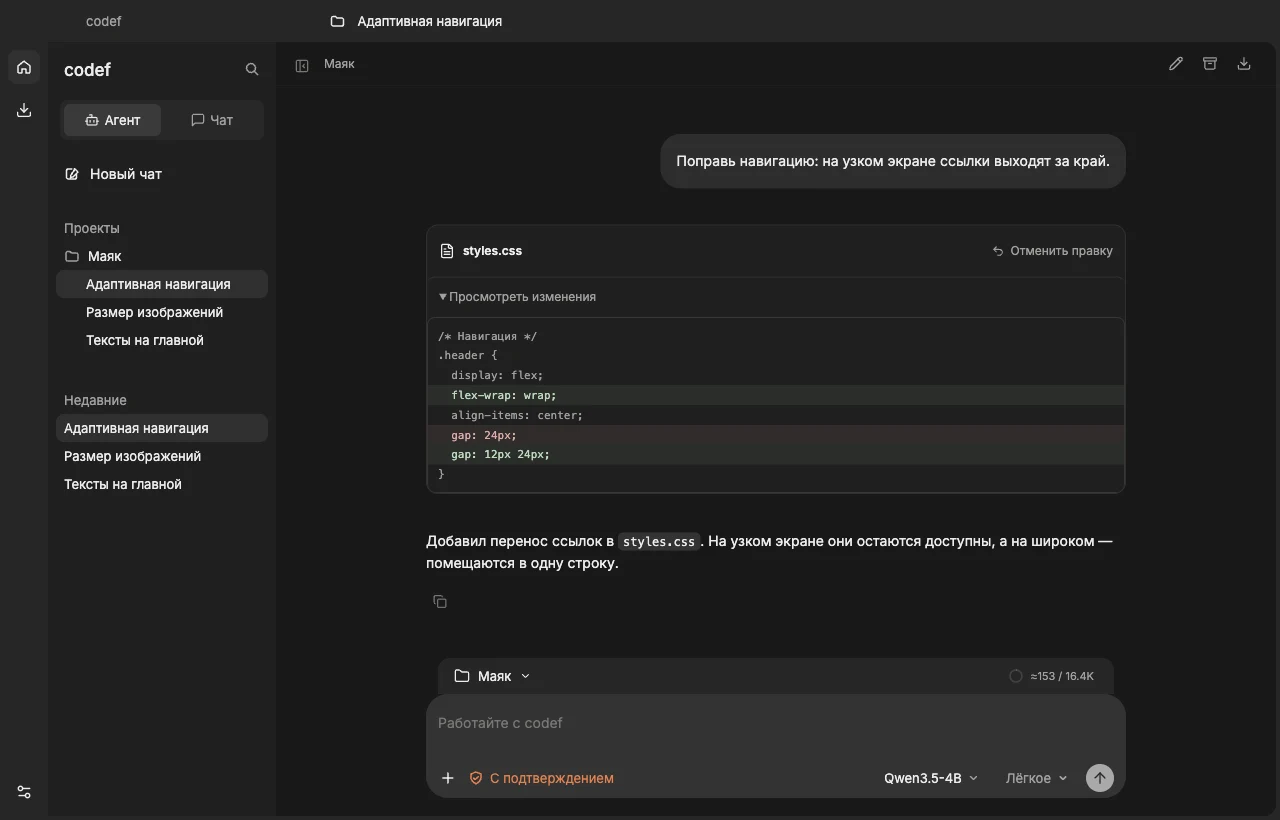
Use AI to work with files and projects.
Run a model on your computer
or connect a cloud provider.
Updates and news on Telegram
Open a folder and give the agent a task. Review file changes and undo edits directly in the app.
Agent in a project
Drop a document or image into chat. Ask codef to review the attachment, make a plan, or look up an answer online.
Chats and attachments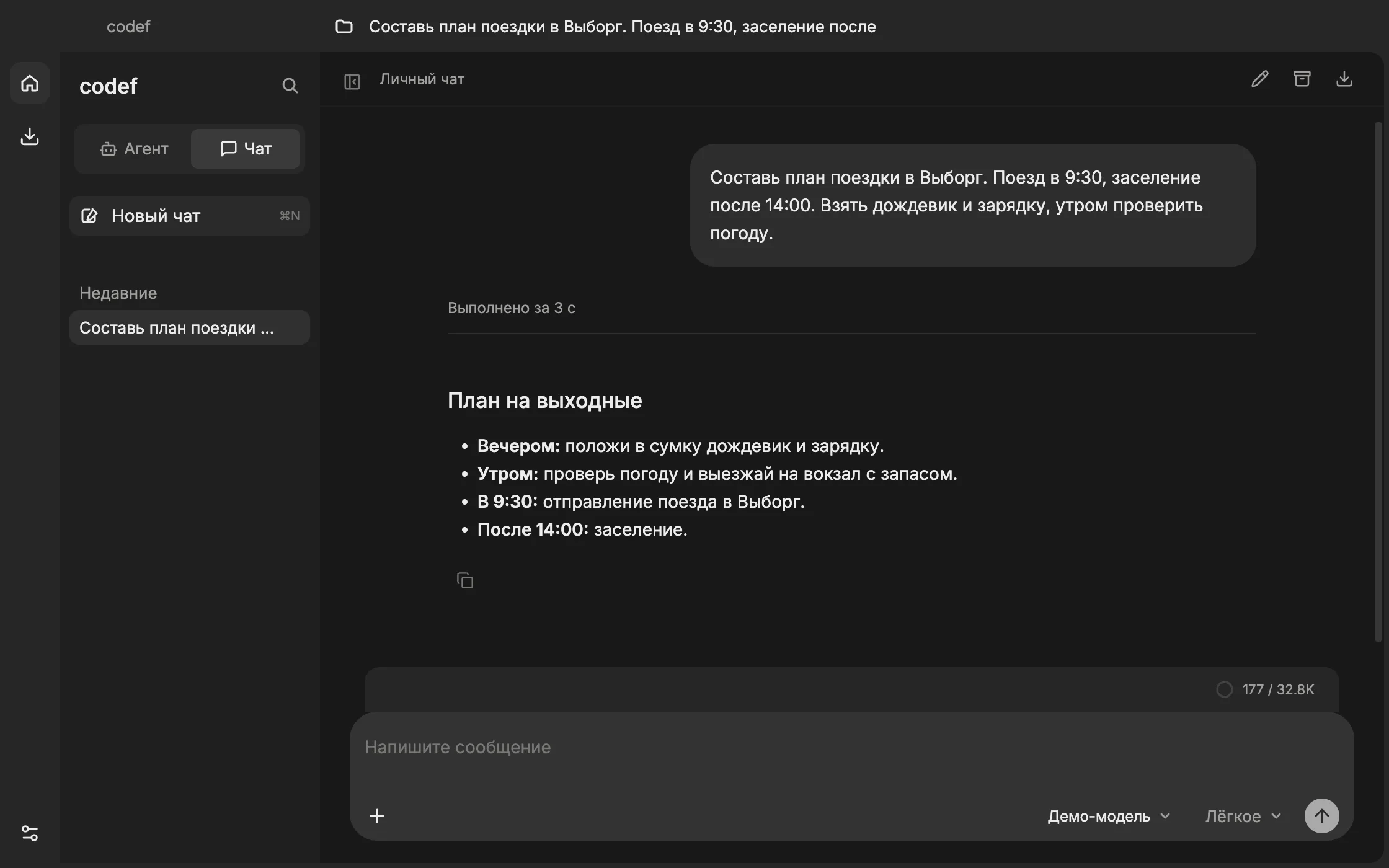
Choose a model on Hugging Face or import a GGUF file. Once downloaded, the local model can answer offline.
Model catalog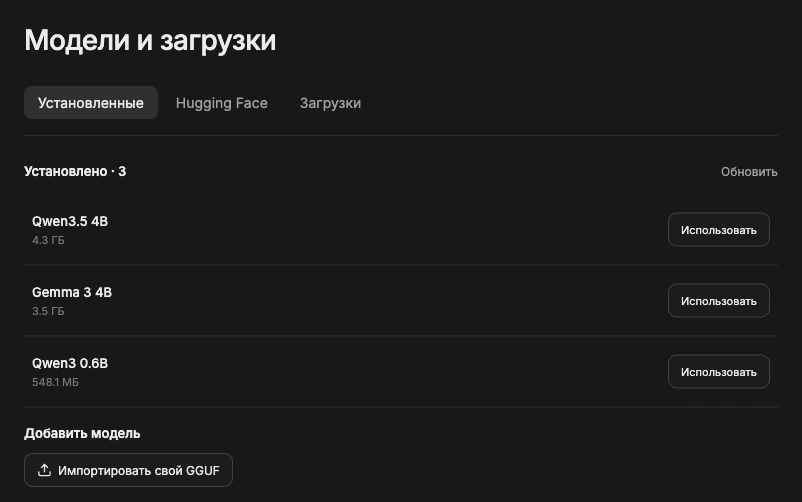
Start the local server and call installed models from your own scripts through an OpenAI-compatible API.
API guideGET /v1/models
{
  "object": "list",
  "data": [
    { "id": "qwen3:0.6b", "object": "model" }
  ]
}